
The folks at Thermal Master sent me their latest mobile phone infrared camera, the P4. This is a direct competitor to the FLIR ONE Pro camera, so I got my hands on one of those, and I’m putting ’em up against each other.
The Basics
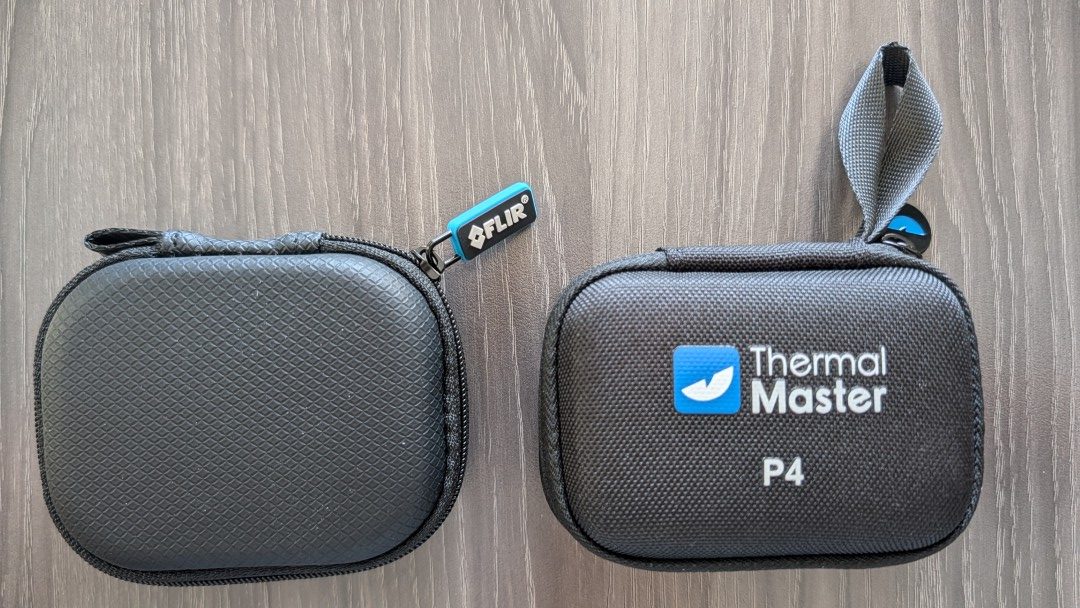
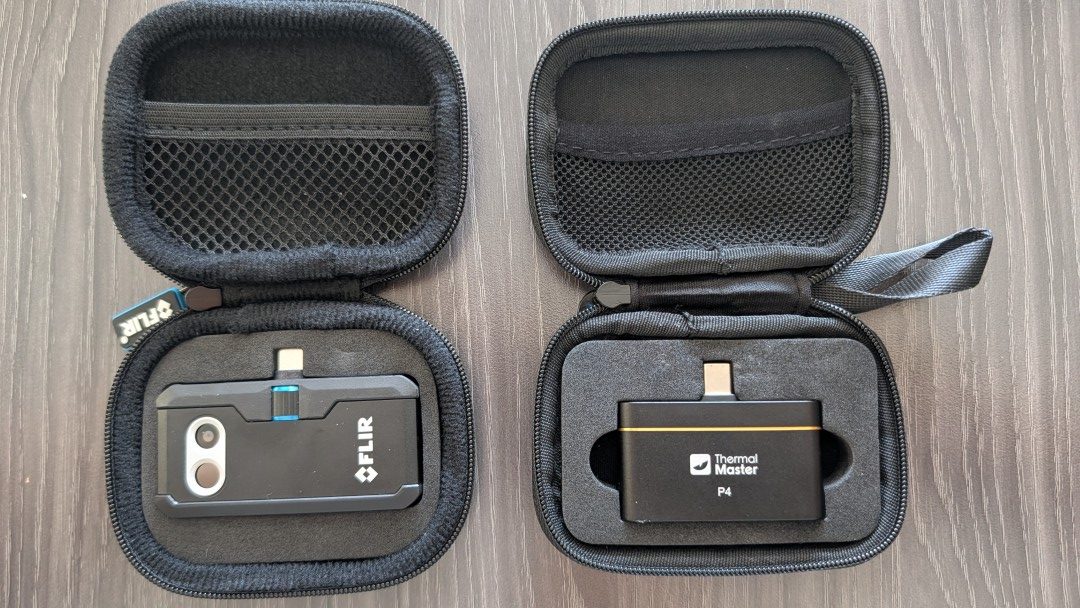
They’re both small cameras designed to plug directly into your mobile phone. They both come with nearly indistinguishable padded carrying cases. The P4 comes with a USB male-to-female extension cord, and the ONE Pro comes with a USB-C charging cable. They both feature an infrared and optical camera, which I’ll explain later.
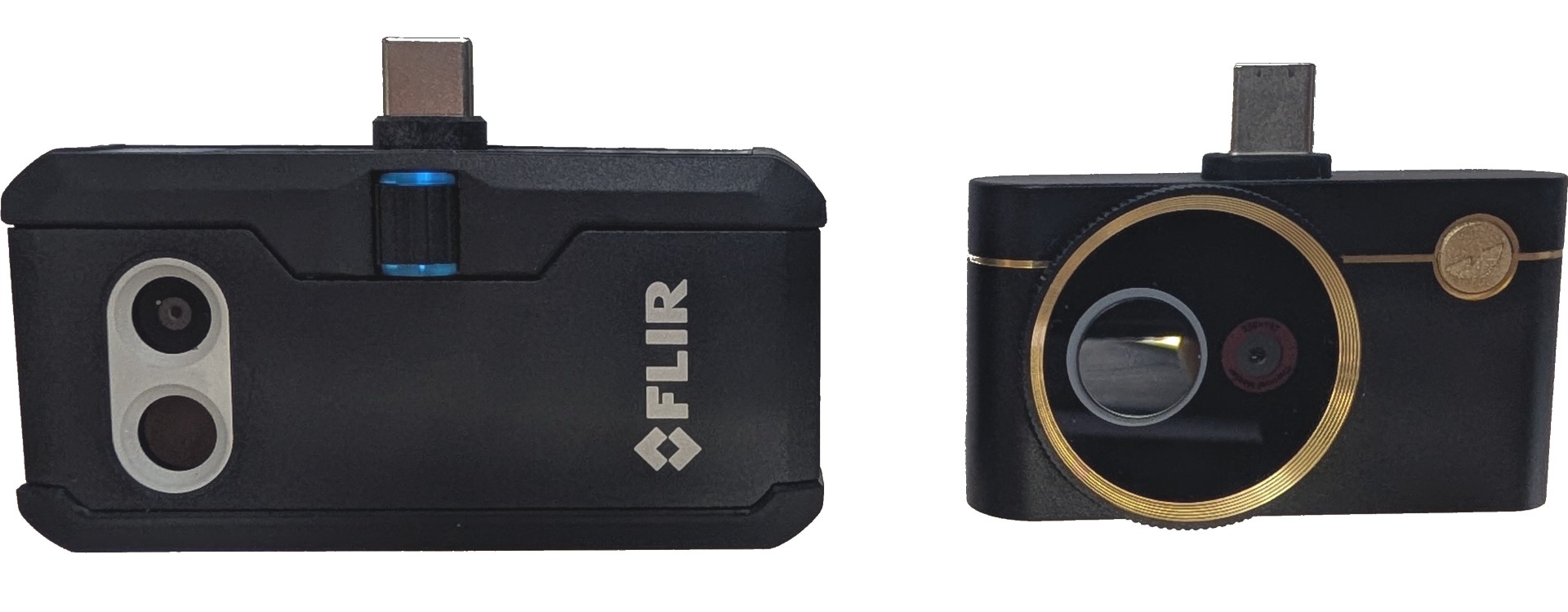
The P4 is available only for Android devices, while the ONE Pro is available for both iOS and Android and offers either a Lightning or USB-C plug. Compatibility advantage: ONE Pro.
The P4 has a fixed USB-C plug with an extra shoulder, providing enough space to plug into a mobile device even with a protective case. I love this. The ONE Pro has a dial on the side of the camera that lets you extend or retract the plug, so the device fits snugly against your device.
The ONE Pro has an internal battery that must be charged for the camera to function. It’s nice that it doesn’t draw power off your mobile device, but on the other hand, I hate the fact that I might get stuck with a dead battery. The P4 gets its power from your mobile device, which I prefer.
Prices
The P4 lists for $399 on Amazon, and you can use the coupon code THERMALBF10 for 10% off, bringing the price down to $359.10.
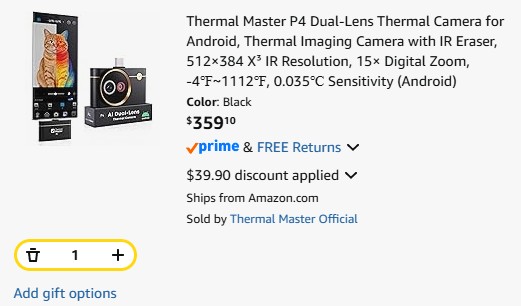
The ONE Pro lists for $429 on Amazon. The iOS version is currently discounted 5% down to $409, and the Android version is discounted 15% down to $370.99.
Software
The P4 runs off the Thermal Master app, which currently has a 1.9-star rating on the Google Play store. I didn’t have a single issue running it on my Pixel 10 phone. It has a mildly annoying spash screen when initially launching the app, but that’s my only complaint. The software does everything it should do, and it has a ton of options. Even with the annoying splash screen, it takes 13 seconds from opening the app to seeing infrared images on your screen. It also has a feature that lets you erase the IR image to display an optical image, or erase an optical image to display an infrared image. This is a novelty that I can’t imagine myself ever using.
The ONE Pro runs off the FLIR ONE app, which has a 4.6-star rating on the iOS app store, and 3.9 on the Google Play store. I had no issues running the app on my phone. The FLIR ONE app has far fewer menu options and customization settings than the Thermal Master app, but it’s mostly stuff I wouldn’t use anyway. The one significant annoyance I had was that it wouldn’t remember my settings after I closed the app.
Resolution, temperature range
The P4 has a resolution 512×384 Super IR, with a 256×192 VOx sensor. This means it uses software to upscale the images. It has a thermal sensitivity of <35 mK, and a temperature range of -4°F to 1112°F.
The ONE Pro has a resolution 480×360, with a 160×120 native resolution. Again, some kind of upscaling magic. It has a thermal sensitivity of <70mK, and a temperature range of -4°F to 752°F.
The P4 has a very small advantage in the resolution and a significant advantage with the thermal sensitivity (the lower the number the better). While the P4 measures higher temperatures as well, this isn’t meaningful for home inspection work.
Image Blending
When you look at an IR image alone, sometimes it’s tough to tell exactly what you’re looking at. This is where image blending comes in. With basic image blending, some IR cameras will combine an optical image with an infrared image, making it easier to understand what you’re looking at. The problem is that you typically sacrifice some of the IR detail when this happens. FLIR has offered a unique version of this for well over a decade with its MSX technology. It uses the optical camera to draw lines around all the high-contrast objects in your image, producing a superior-looking image. The ONE Pro does a great job of this. This has always been the one distinct advantage FLIR had over every other camera… but that has ended with the P4.
The P4 is the first IR camera I’ve tested outside the FLIR family to offer the same image blending as MSX. I don’t know what to call it… so I’ll just call it awesome. It does the same thing the FLIR cameras do, drawing lines around everything of high contrast. It’s about time someone other than FLIR offered this feature. Check out the images below to see the P4 version on the left vs the ONE Pro version on the right. And click on any image for a larger version.
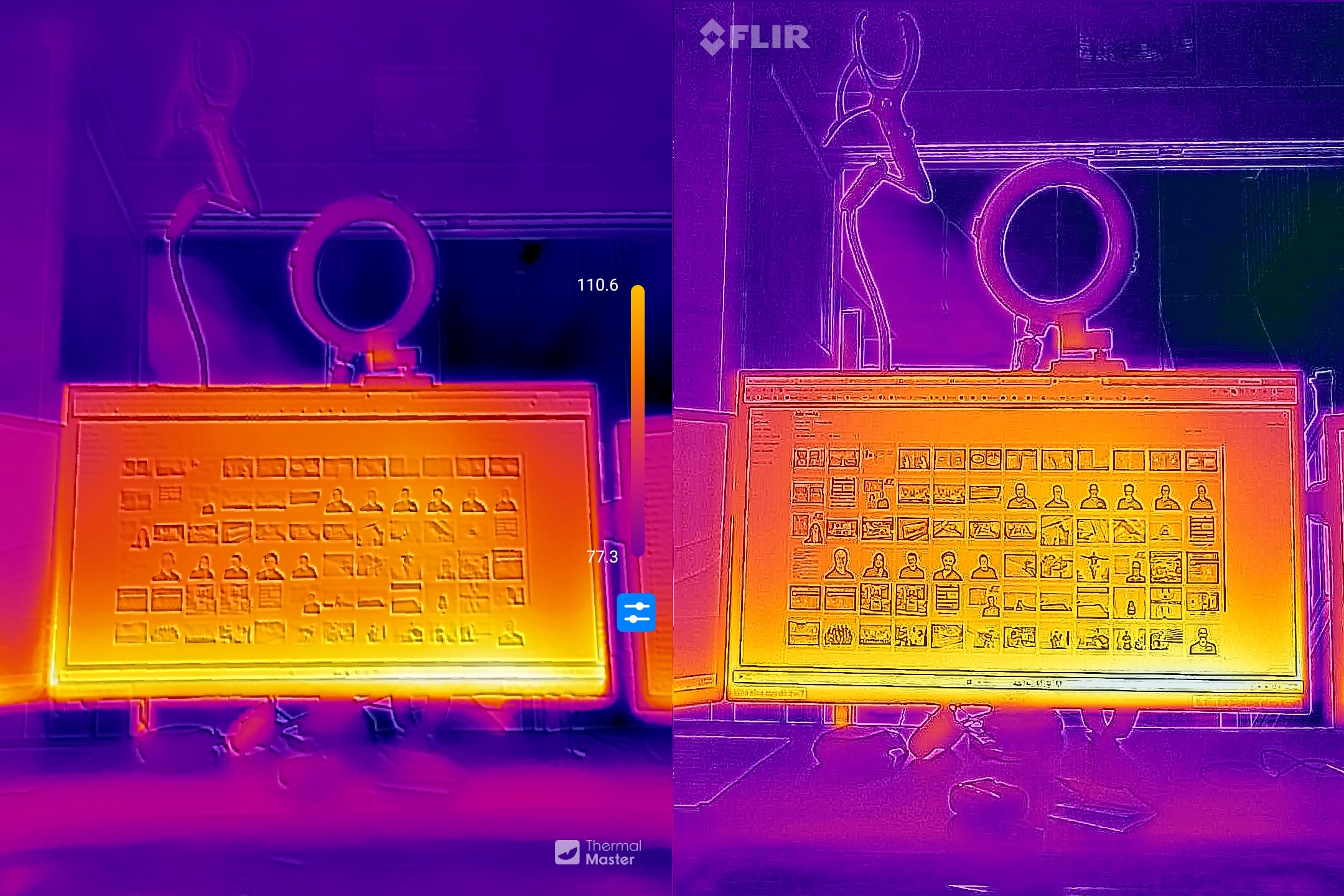
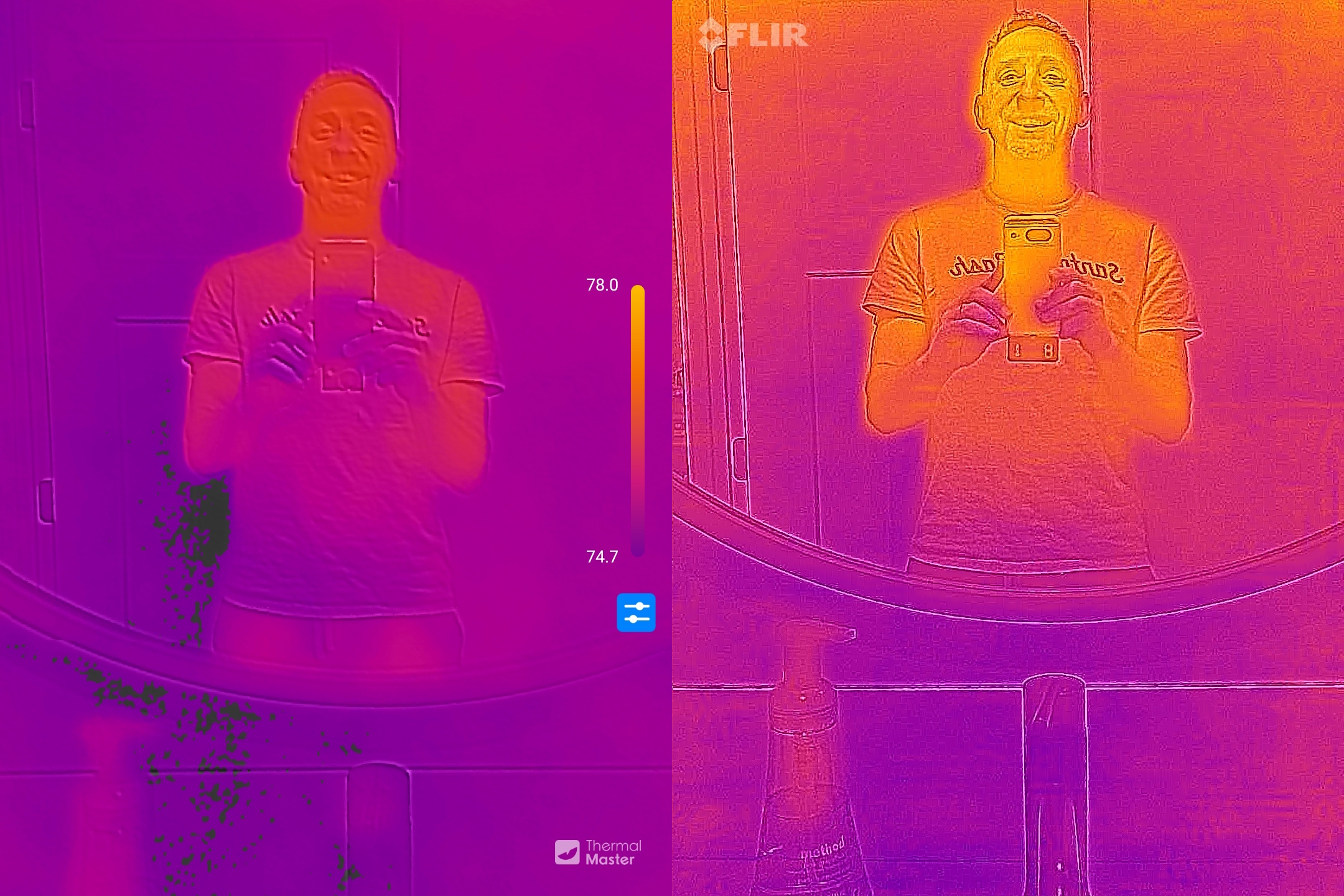
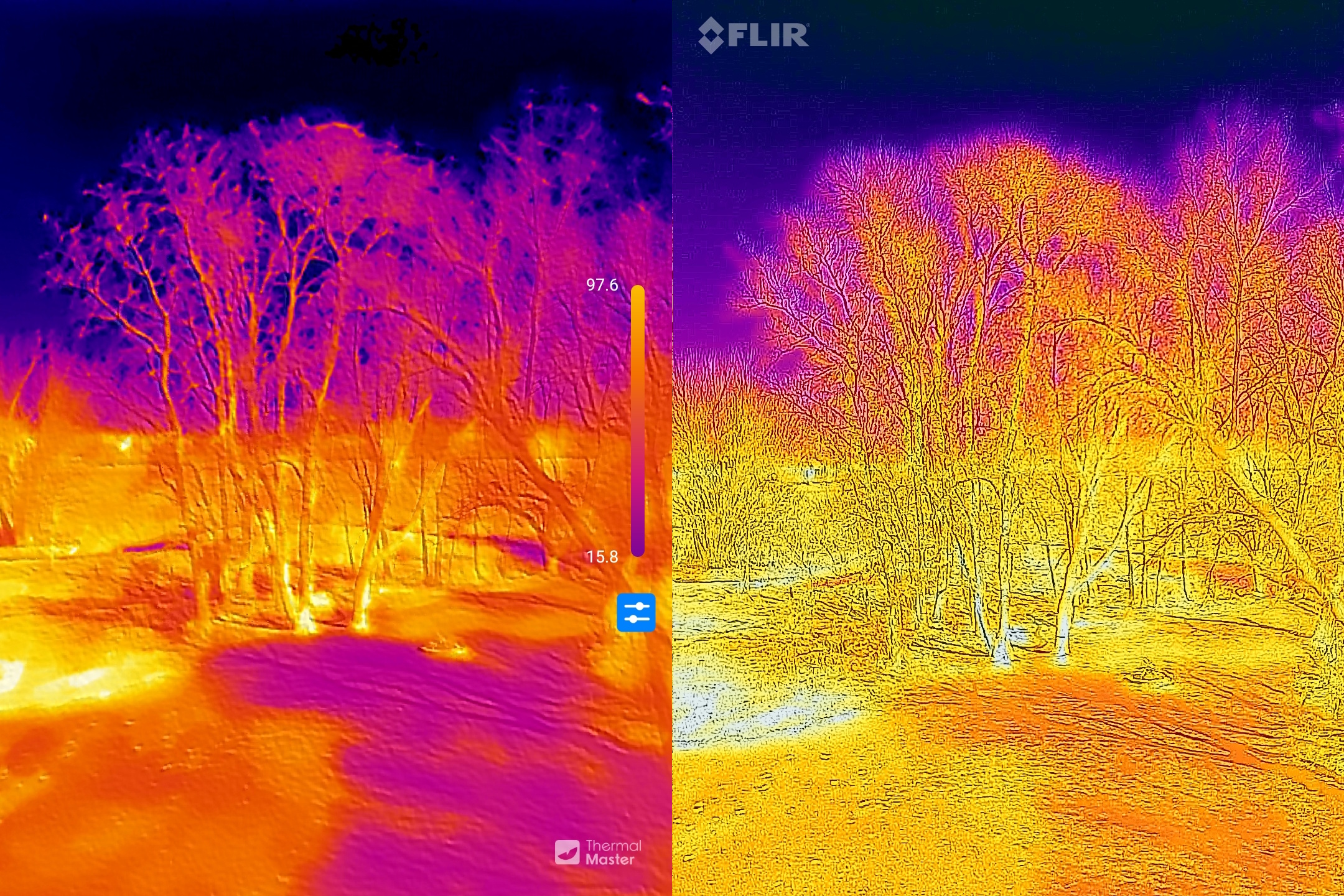
In my opinion, the first two ONE Pro images look better. Stuff really pops. But in the third image, I prefer the P4.
IR-Only Image Comparisons
This is the most important part. I took several random images and placed them side by side: P4 on the left, ONE Pro on the right. Click on any of these images for a larger view.
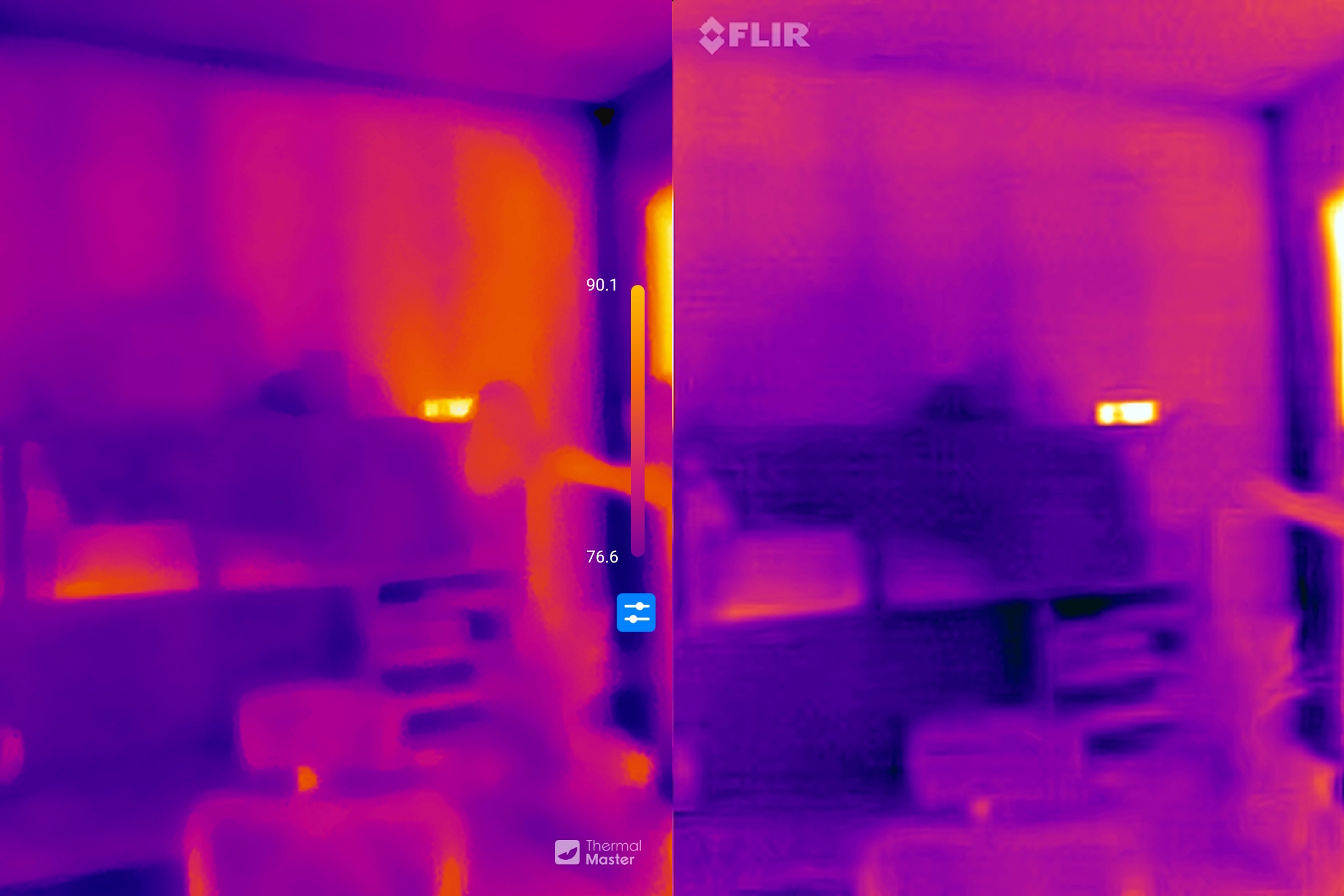
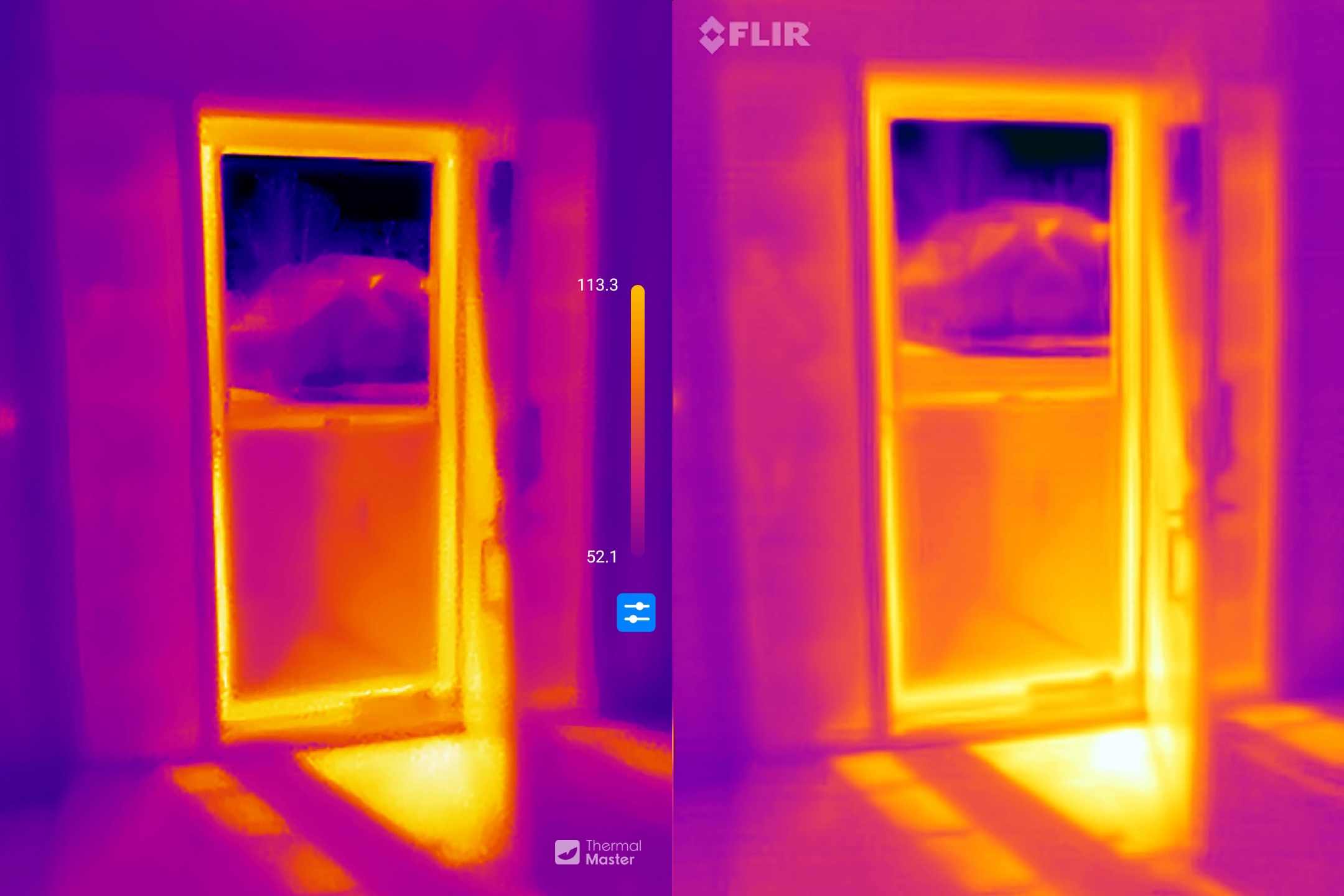
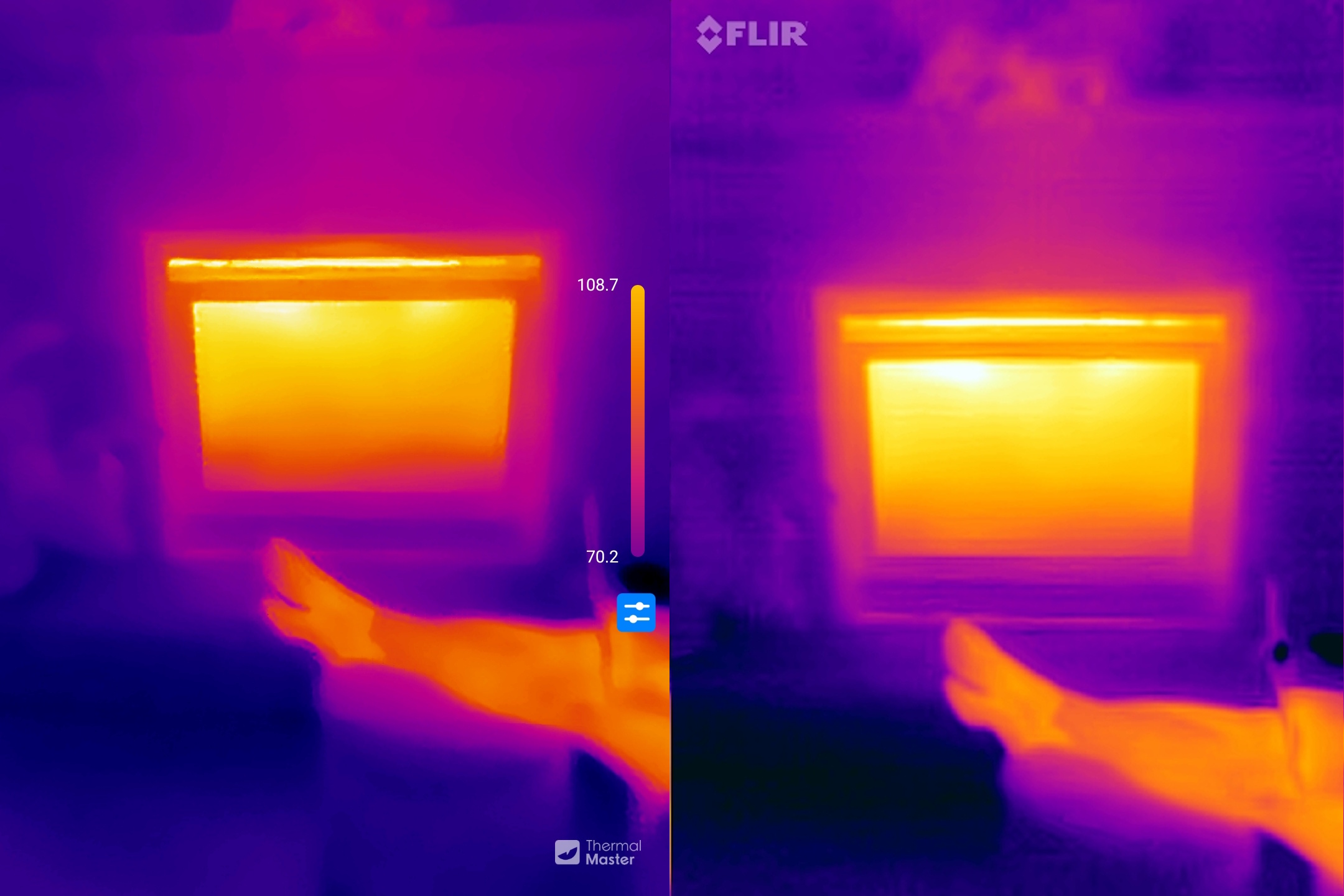
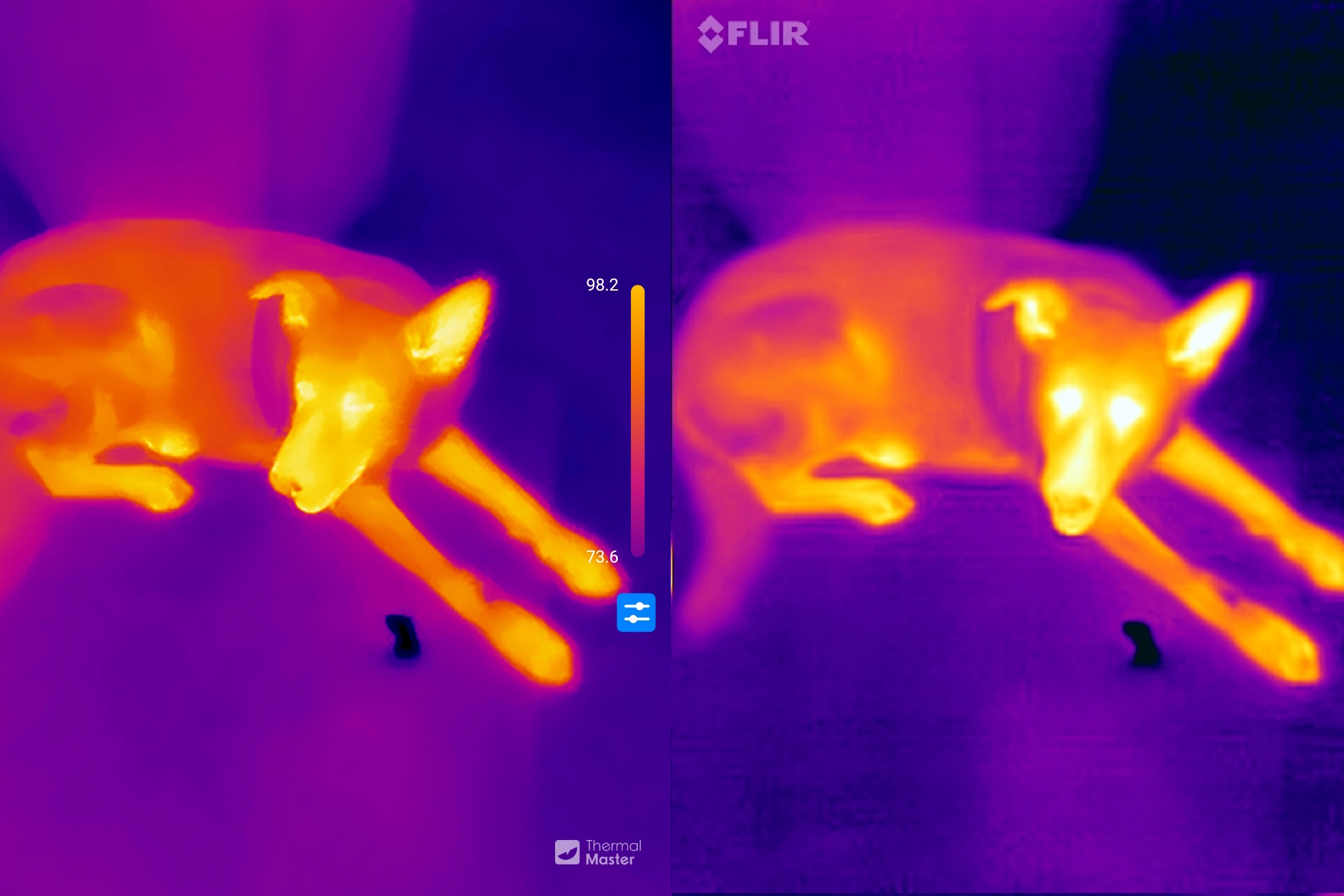
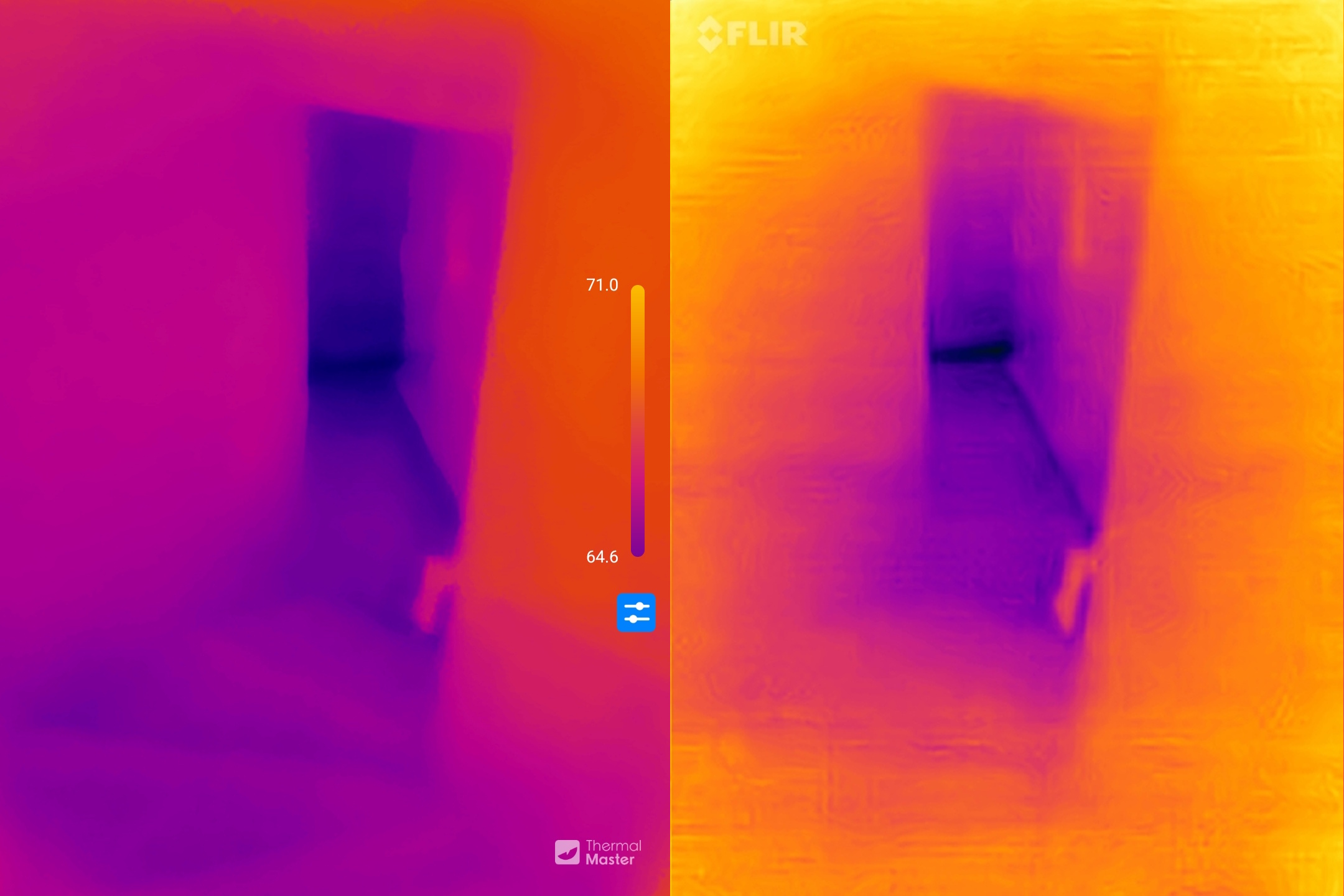
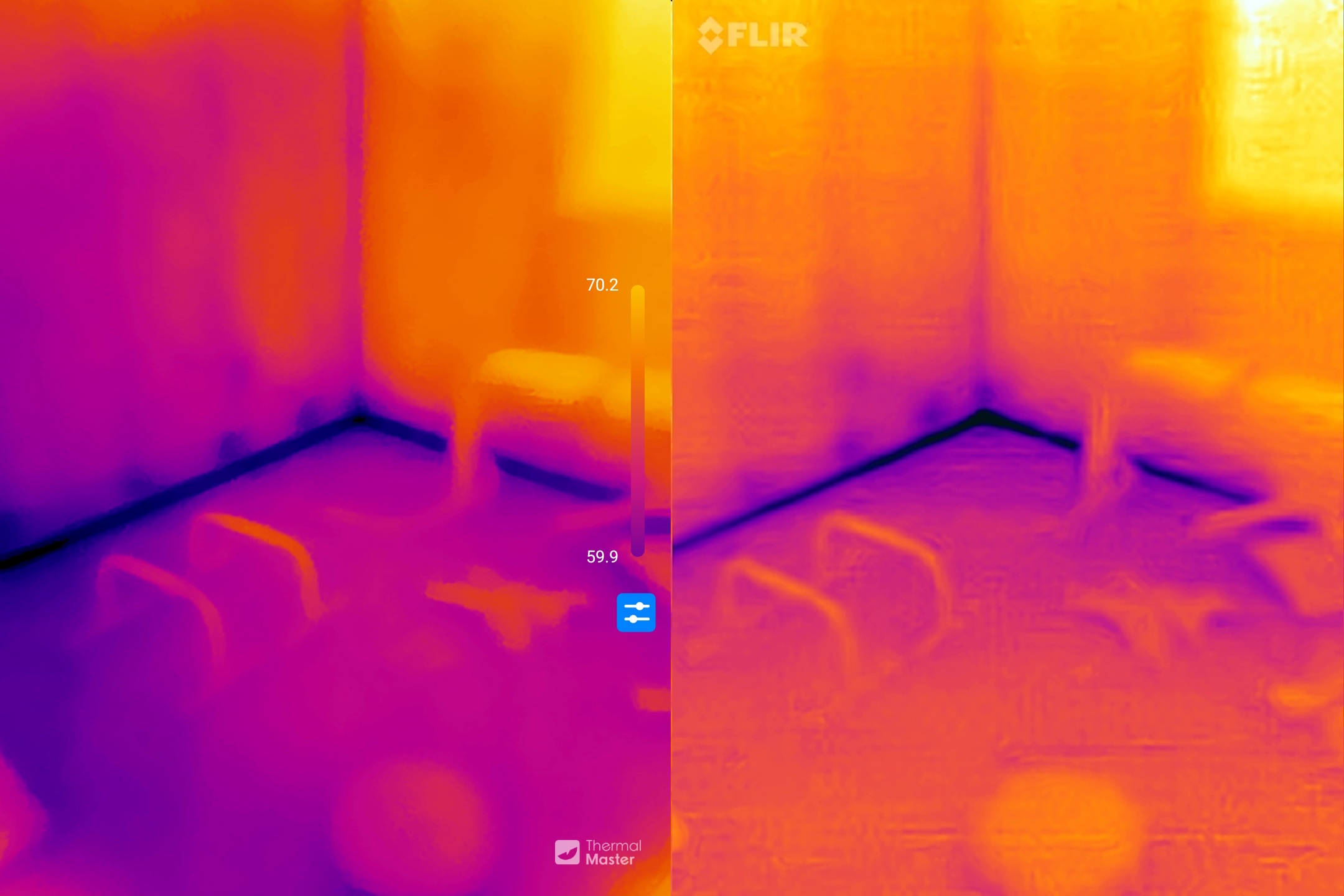
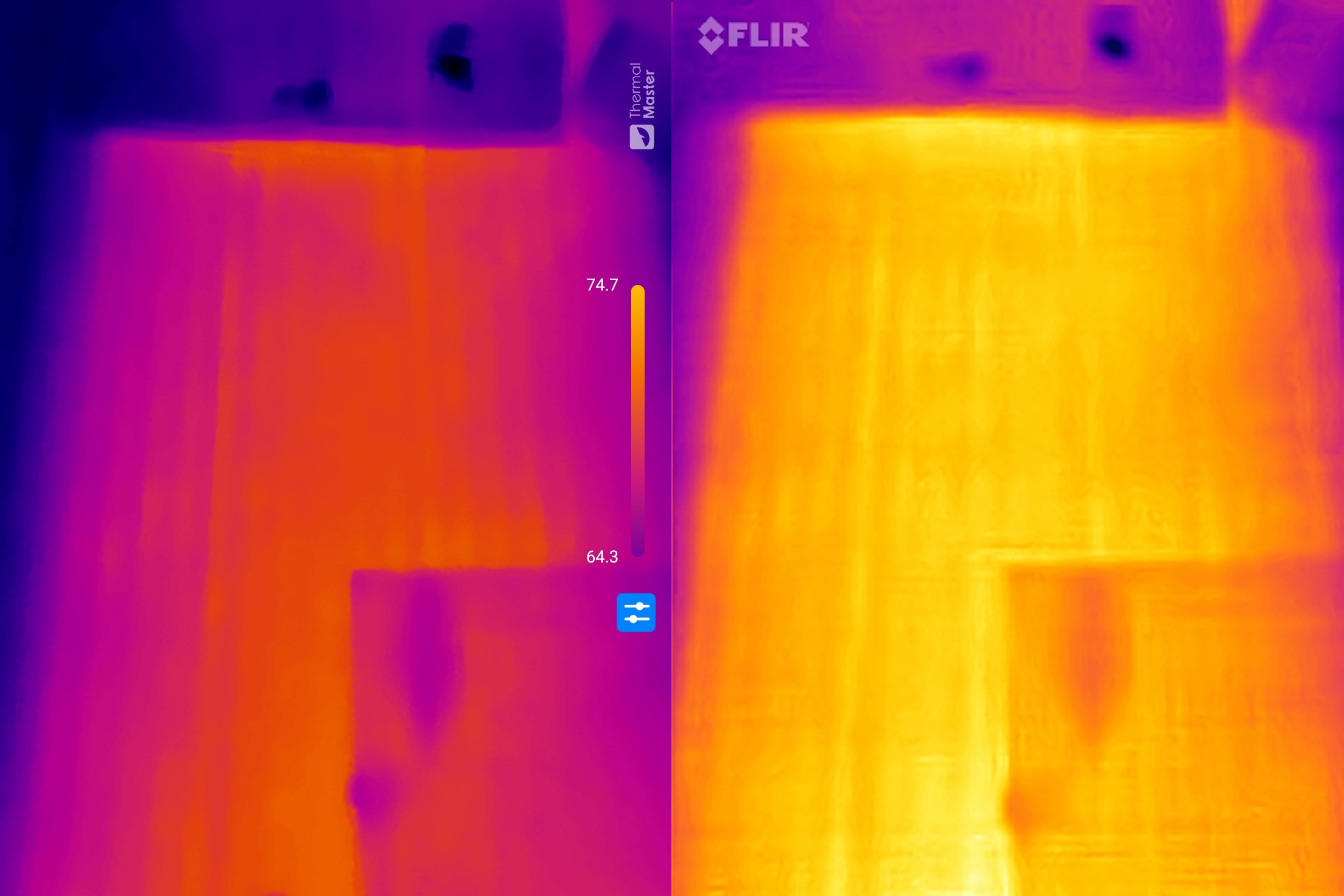
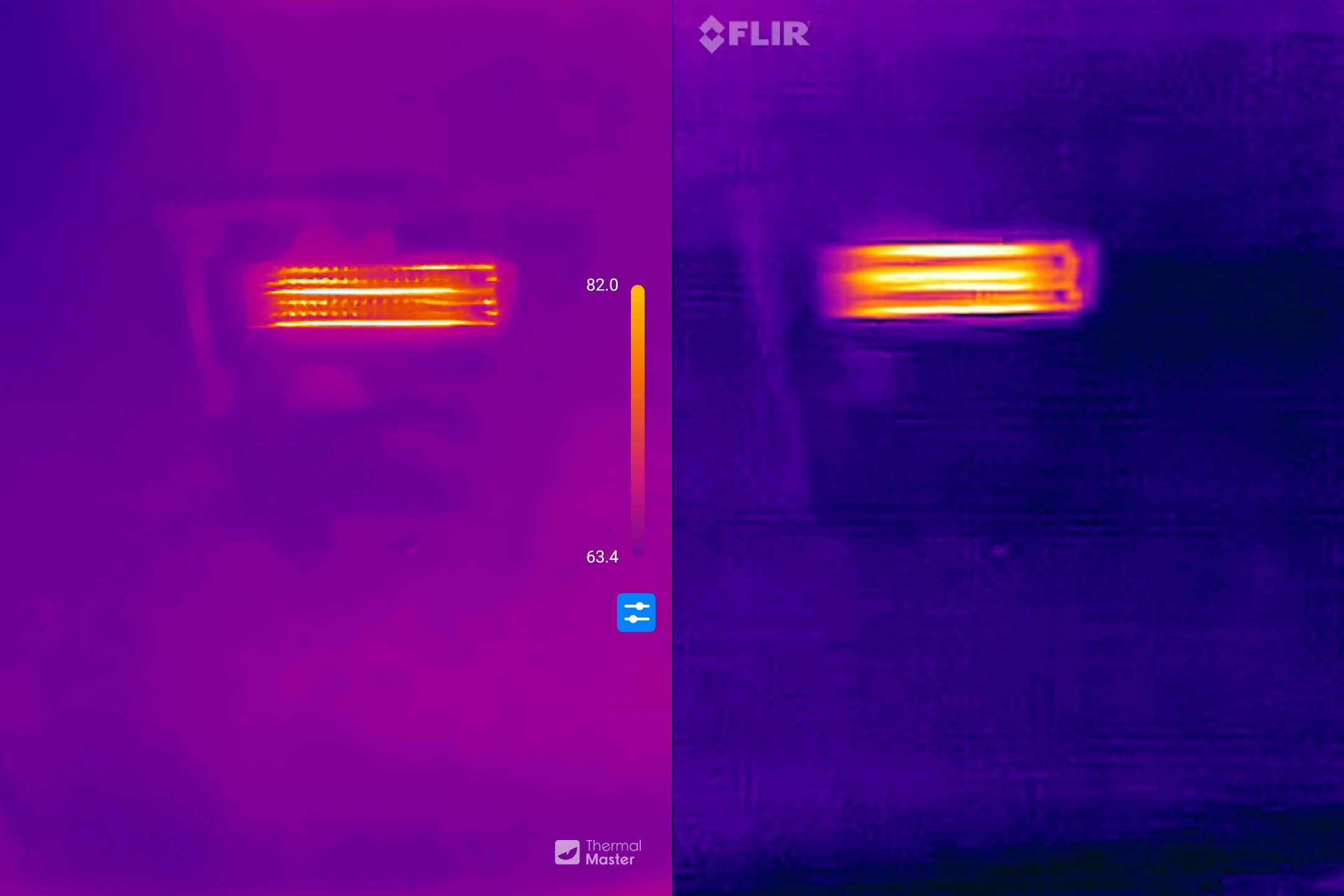
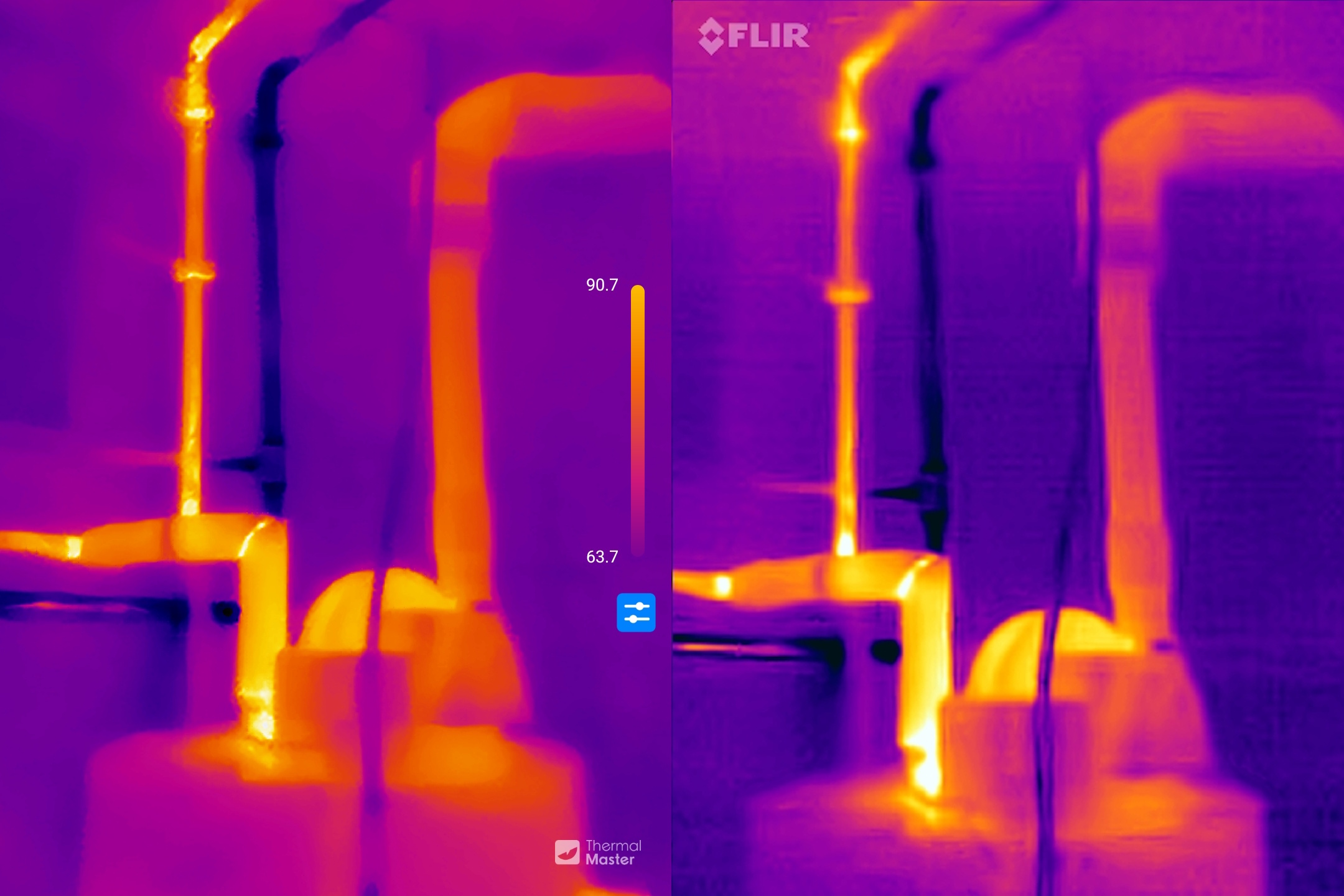
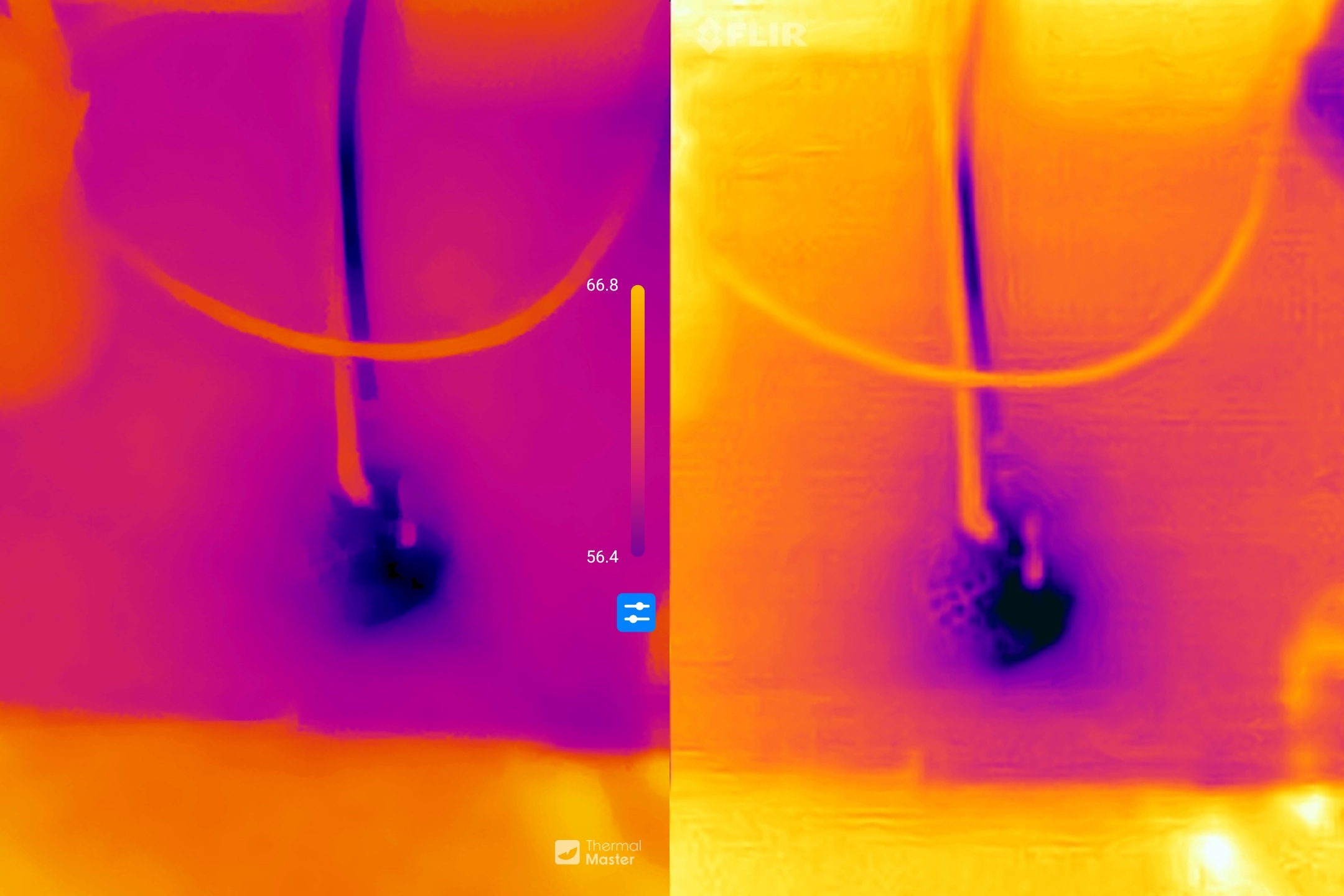
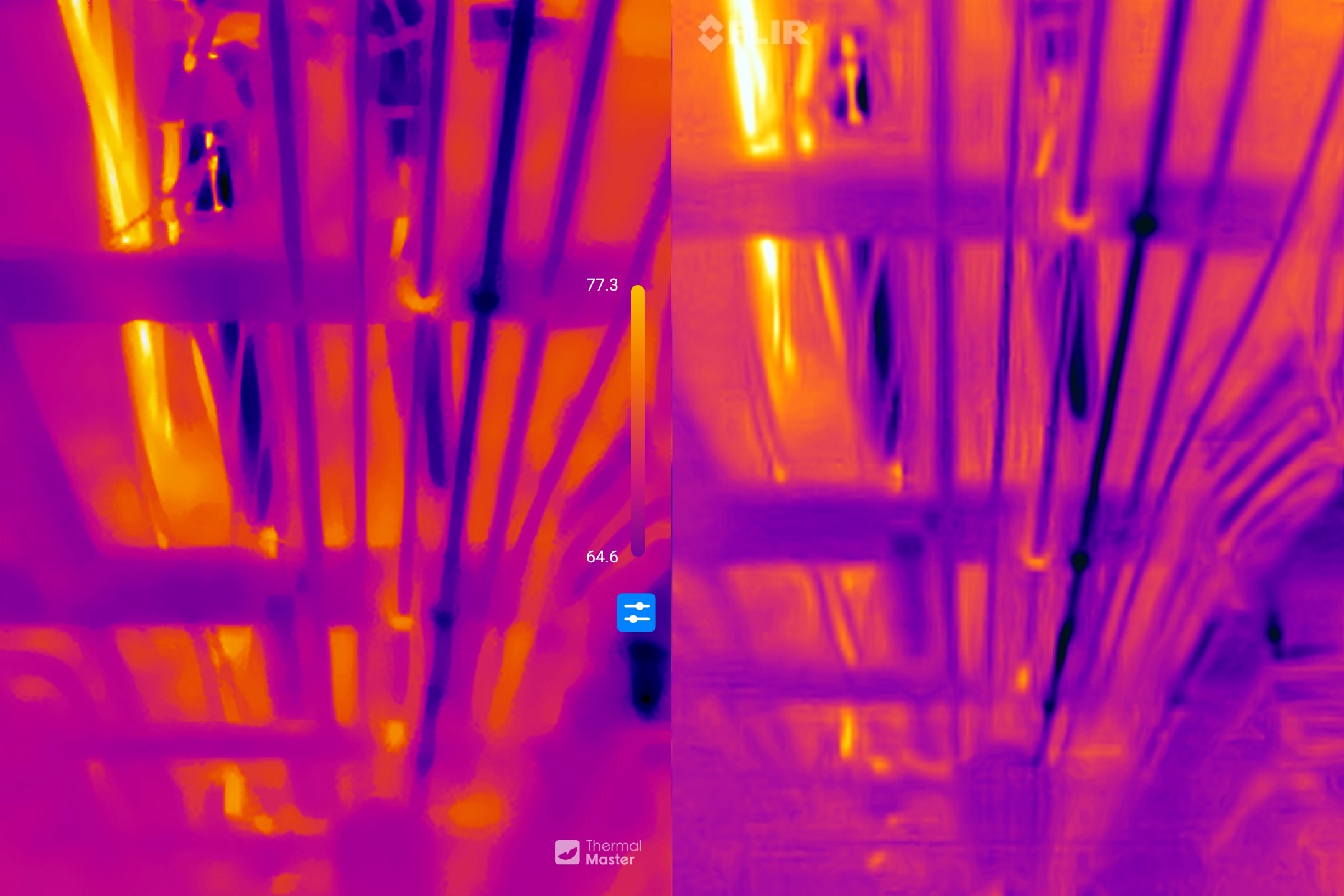
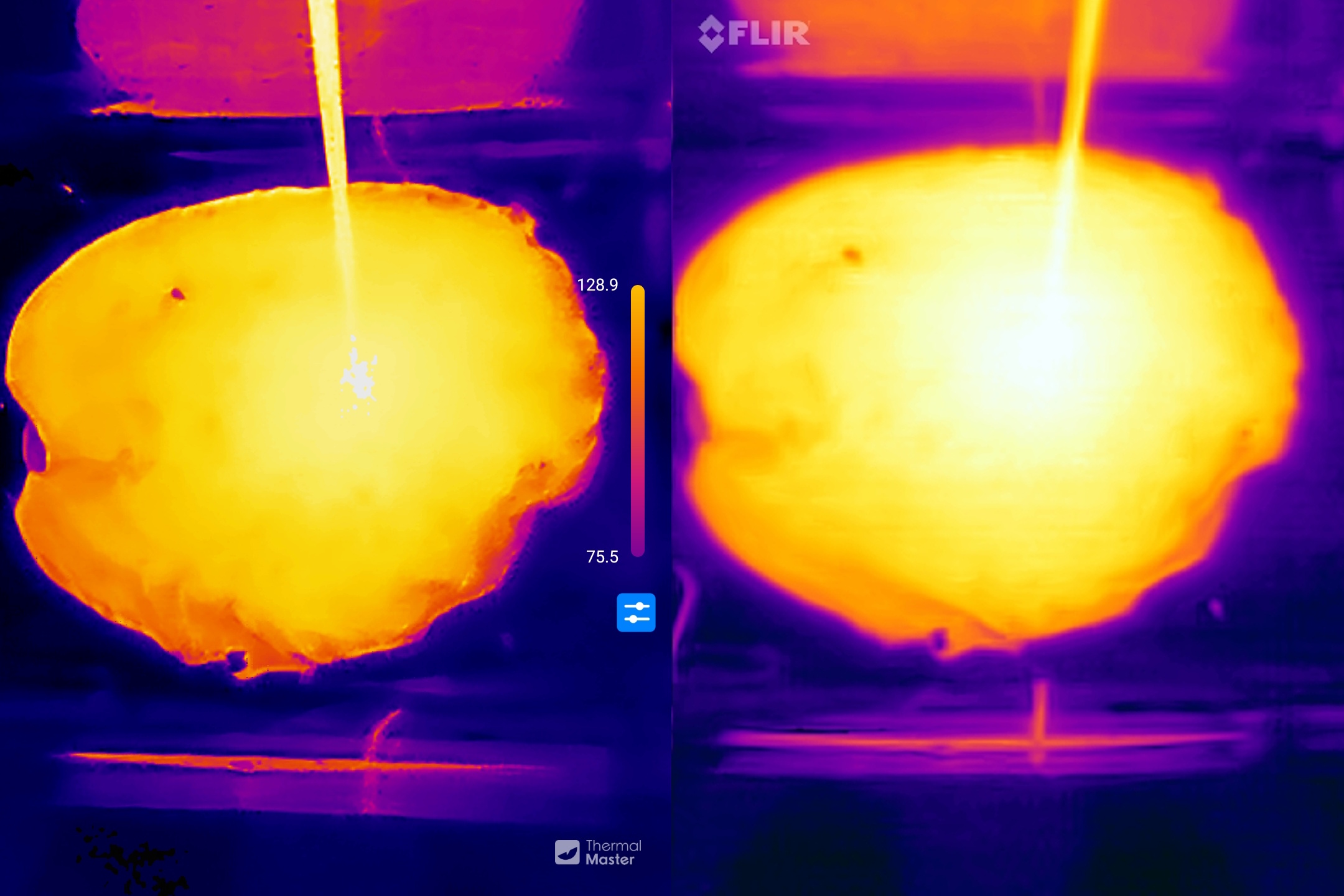
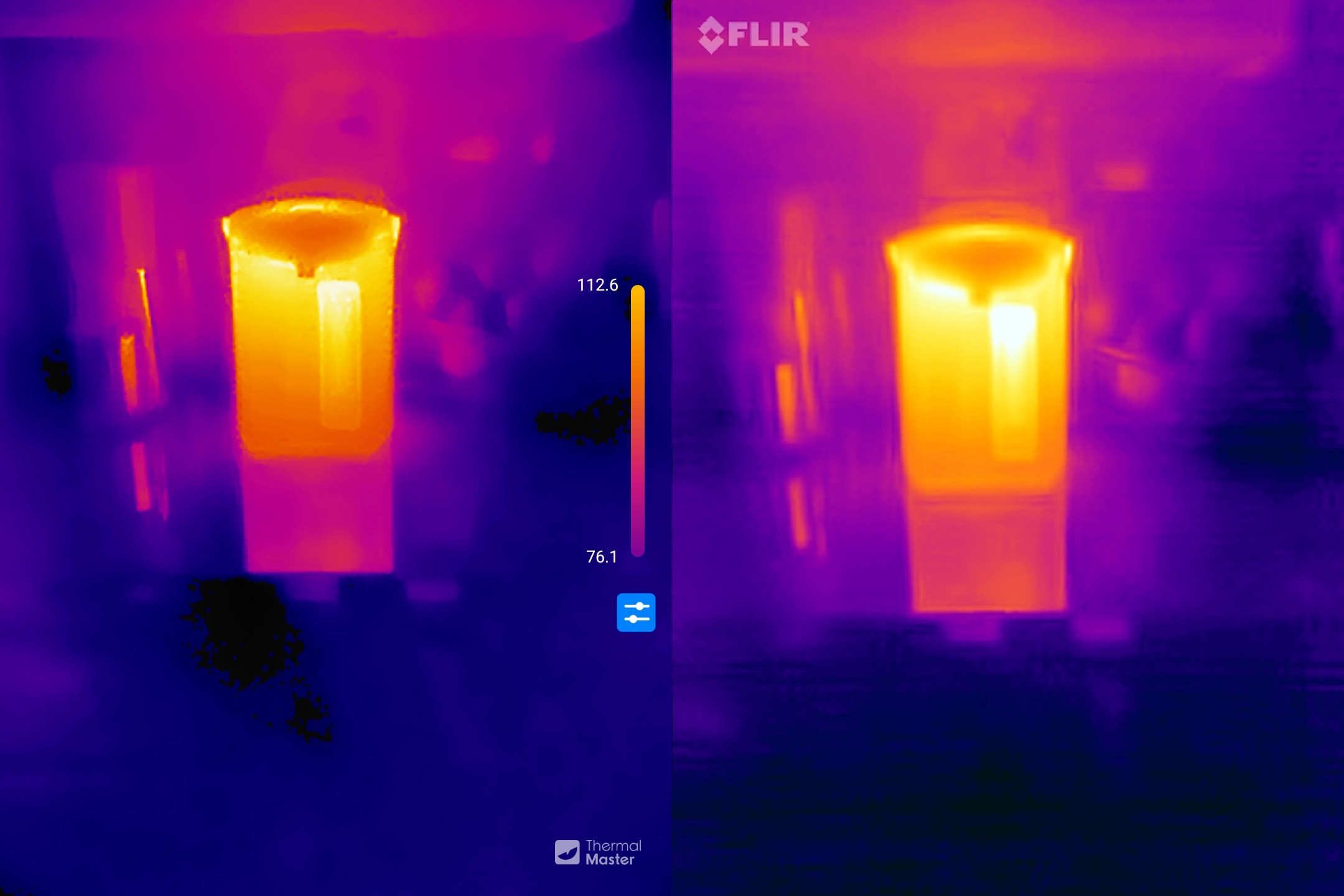
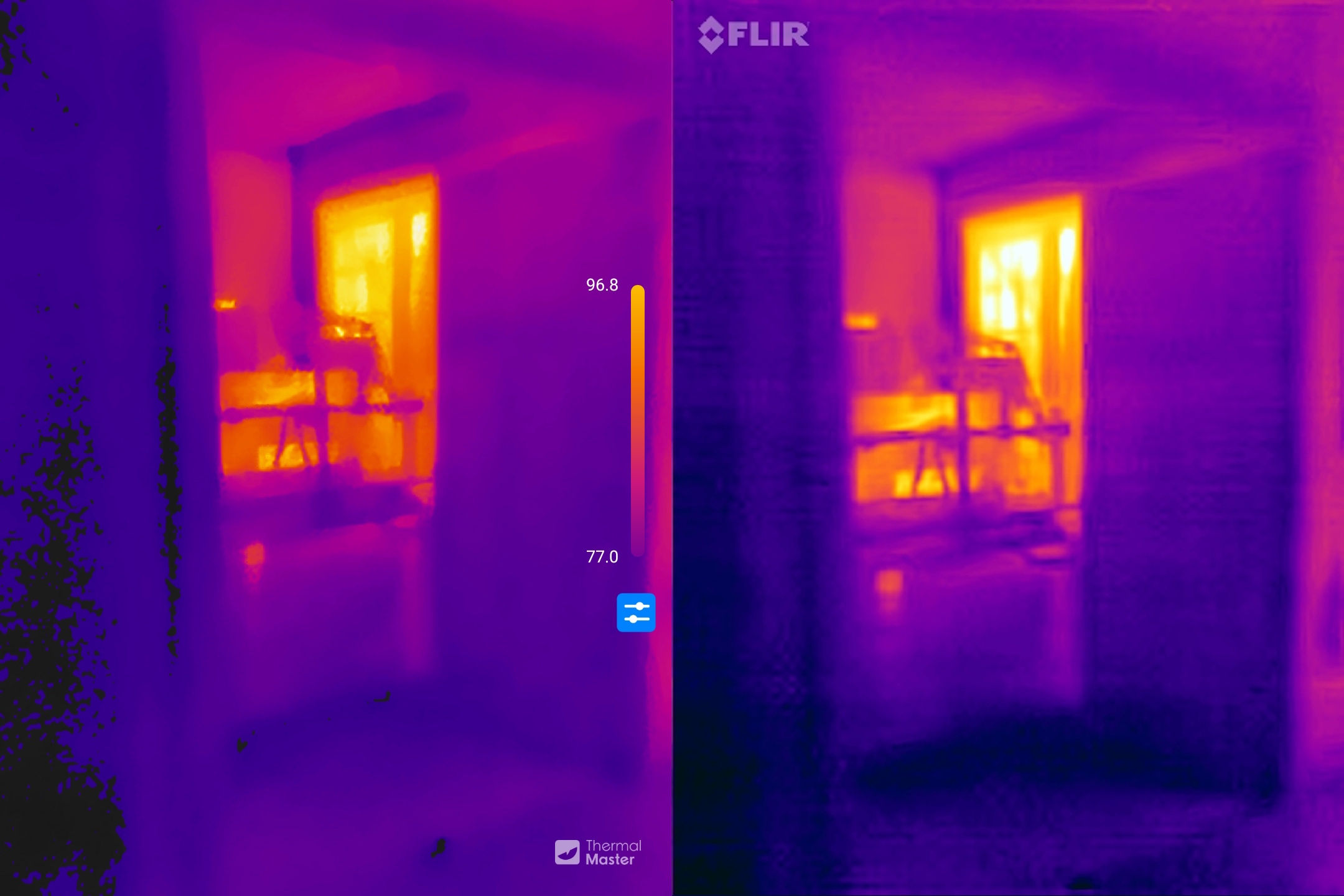
What do you think? I can’t decide on a winner. The images are all slightly different, but I’d argue that they all fall within a small margin of error. Even if I took two identical cameras and took images side-by-side, the images would look slightly different depending on how the cameras auto-range.
Conclusion
These are both great cameras. With the image blending technology, they both produce images I’d be happy to include in a home inspection report. The IR resolution and thermal sensitivity of the cameras give me confidence that I wouldn’t miss anything I’m looking for during a home inspection. And both are simply attachments for my mobile device, so I wouldn’t use either as my primary tool for a home inspection. They make for nice backups. But for the occasional user, these give much better value than any stand-alone infrared camera.
For me, the biggest deciding factor is platform: if you’re an iOS user, your only option is the ONE Pro. For Android users, the difference for me is the battery: the ONE Pro has a battery that must be charged, but it won’t drain your device. This is great if you’re using it all day. On the other hand, if this is a backup camera that will be used occasionally, I want it to be ready to go when I need it. I don’t want to have to worry about one more device that needs charging.
Now, if the folks at Thermal Master could just take these image-blending features and put them into a handheld, pistol-grip style camera that’s about 75% the size of their Thor camera and charge $500 for it, I’d declare it the best infrared camera for home inspectors. I’m waiting.
No responses to “Thermal Master P4 vs. FLIR ONE Pro: mobile phone infrared camera showdown”
No comments yet.
RSS feed for comments on this post. TrackBack URL
Leave a Reply