Home energy monitors calm me down. I get whipped up about how much electricity my Christmas lights use. How much money it costs me when my kids leave lights on. The money I’m spending for an under-sink water heater! But when I use a home energy monitor to track how much electricity I’m actually using and how much it’s really costing me, I’m usually relieved.
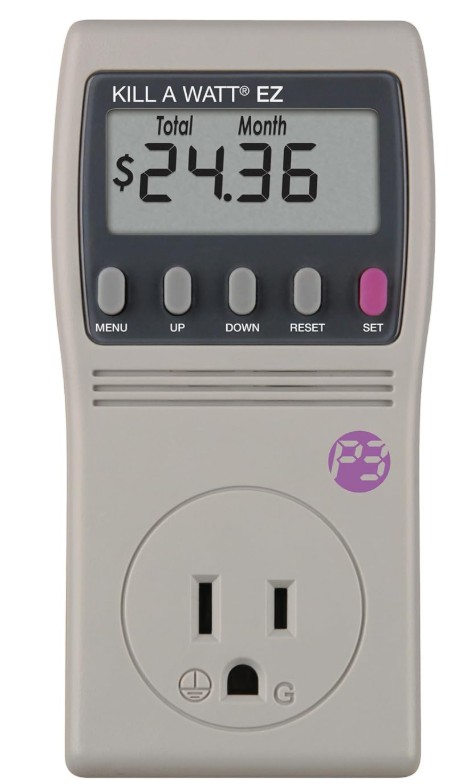
The latest “thing” I got whipped up about was an instant hot-water dispenser for coffee, tea, and whatever else I need near-boiling water for. I have a Sense Home Energy Monitor that does a great job of tracking my house’s power consumption, but it’s not very good at identifying individual appliances. When I want detailed information, I rely on a device I purchased about 15 – 20 years ago, called the Kill-A-Watt EZ. You plug this monitor into the wall, then plug whatever you want to track into it, as pictured below.
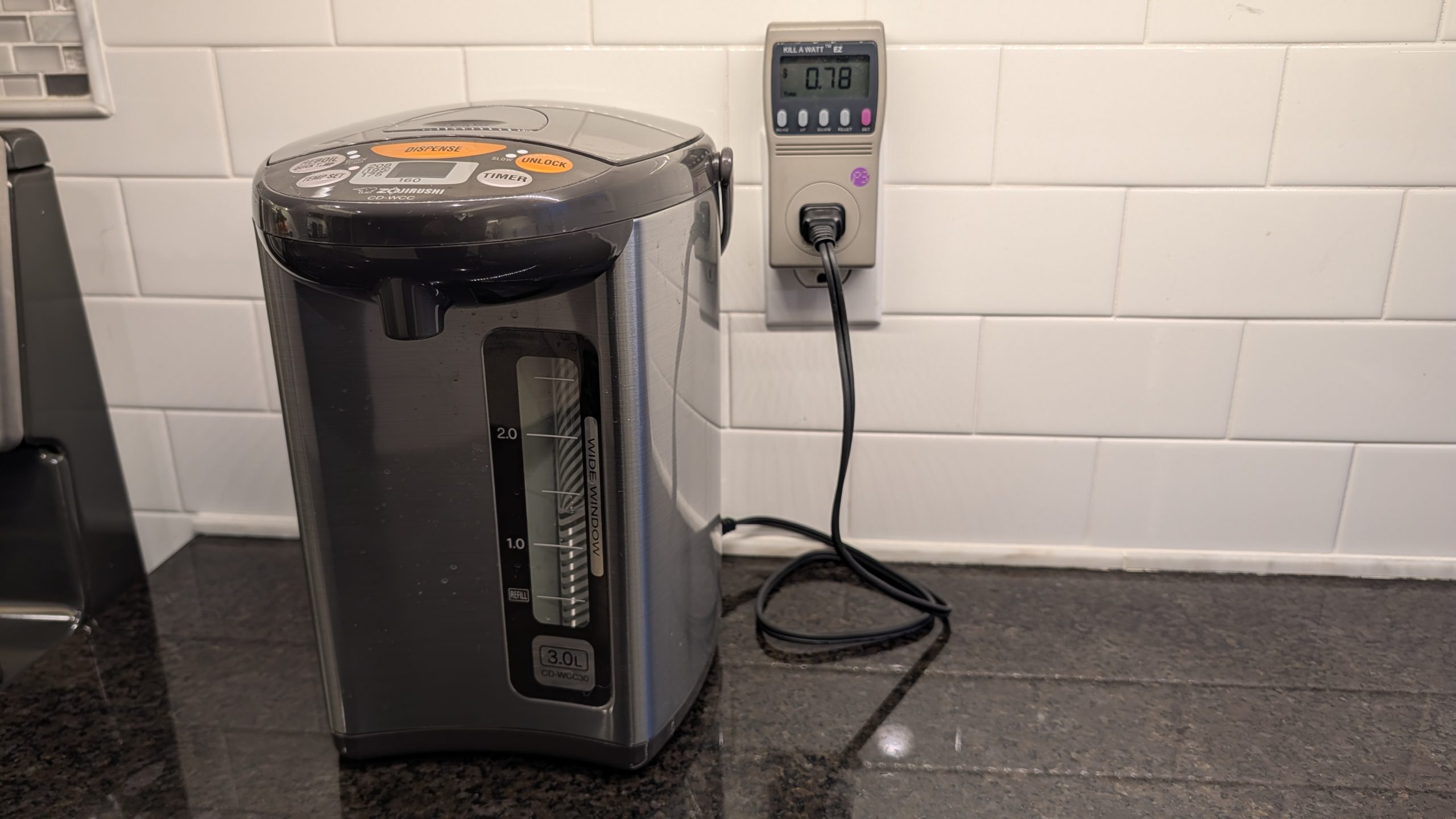
You can program your cost for electricity per kilowatt hour (kWh), so it gives you a good idea of exactly how much you’re paying every day/week/month for that heated toilet seat… or any other frivolity you might worry about. This device has been convenient over the years, but I recently realized I’ve been using the same one for a long time, and there are probably fancier, cheaper options, so I ordered a few and tested them on my hot water dispenser.
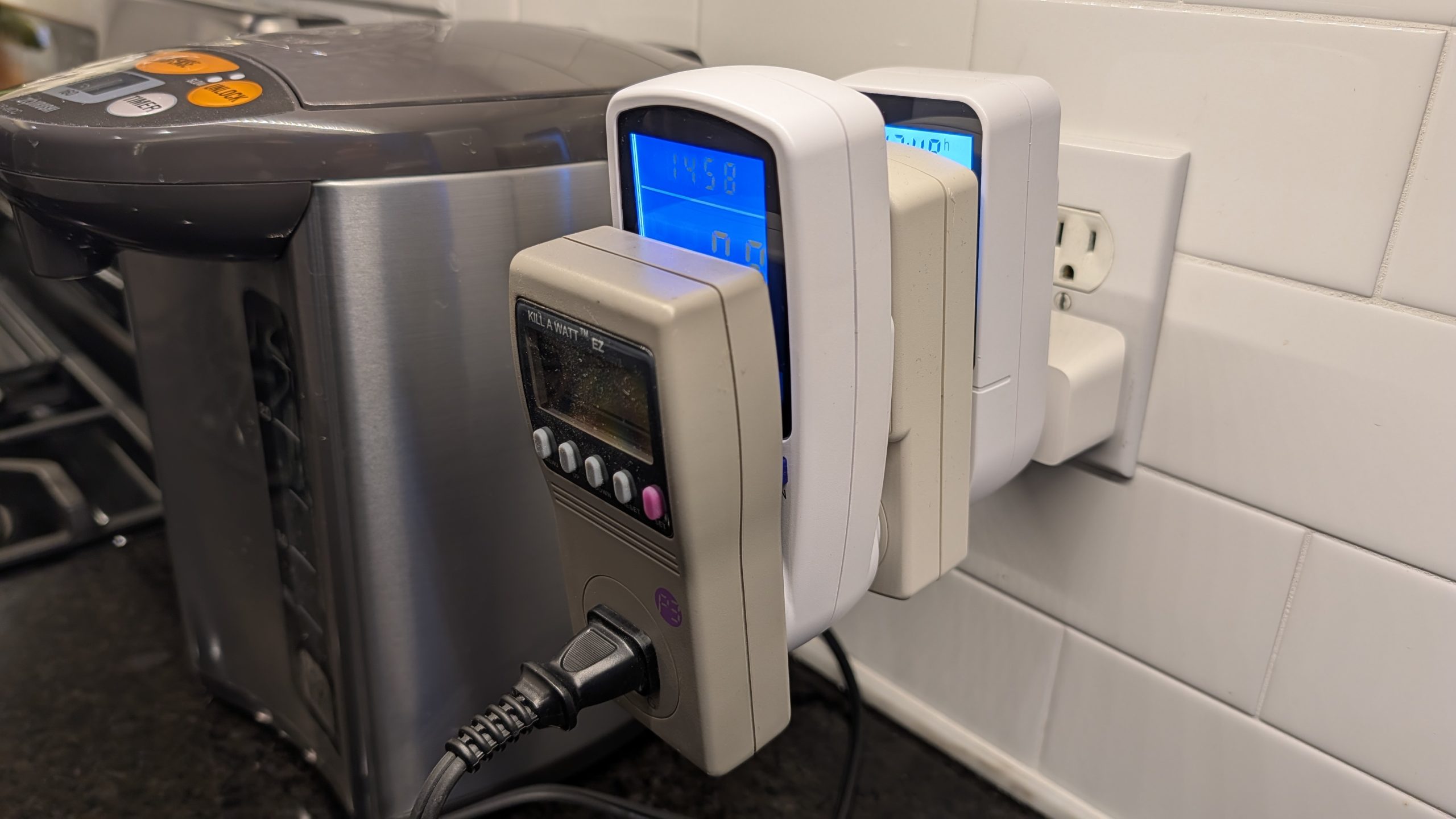
Was it safe and accurate to stack them like this? Great question. Moving on.
Rankings
Most of these devices allowed me to input the price of electricity, and all of them had very similar numbers for the amount of electricity used. The big differences were price and features. I ranked them from my least favorite to my favorite, so here’s my two cents on each.
Kill A Watt P3 P4400, $35 – this is a new version of the Kill-A-Watt, and I regret buying it. It says online that you can program your energy usage; either that’s a lie or I couldn’t figure out how to do it. Also, when you unplug the device, it forgets everything it has tracked. As far as I’m concerned, this makes it almost worthless. Also, the screen is difficult to read if you don’t have sufficient light in the room.
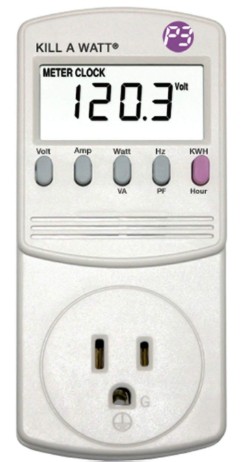
Kill A Watt EZ P4460, $36 – same unit I purchased almost two decades ago. It’s a solid device, easily programmable, and it remembers your settings. Like the P4400, the screen is tough to read in low light. Also, it doesn’t give you live watts/amps usage.
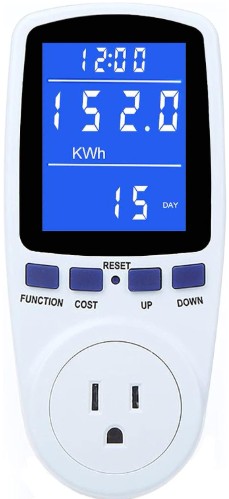
Generic Watt Meter, $12 – it tracks everything you could want to track. Amps, watts, volts, kWh, hertz, power factor, cost, cumulative time plugged in, and more. It was also easy to program. My only complaint about this, and it was a very minor complaint, is that the screen was a bit bright for my taste.
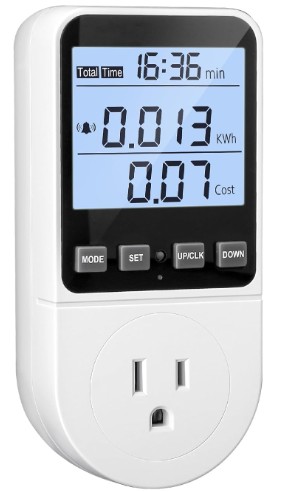
Generic Watt Meter, $10 – it’s almost identical to the one listed above, but the screen was a little easier on the eyes, and it cost $2 less.
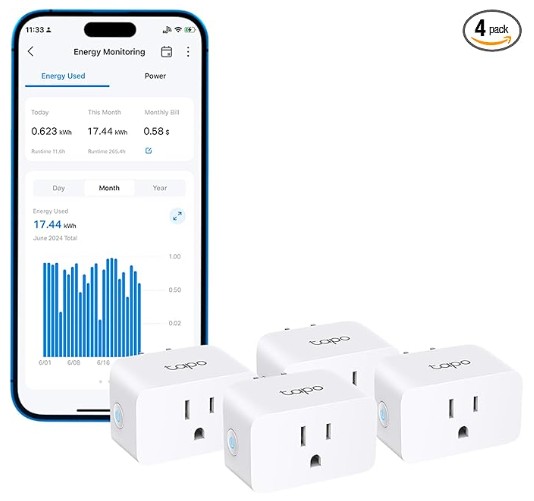
TP-Link 𝗧𝗮𝗽𝗼 Smart Plug Wi-Fi Mini, $5.74 – the price I paid was actually $22.96 for a 4-pack of these. It’s a wifi smart plug that you pair with your mobile device, and from there, the options are limitless. You can program the device to turn on and off, turn it on and off with Alexa or other smart home hubs, and create If This Then That triggers. And in addition to all of that, this particular model will monitor energy usage too. It’s more work to set this up initially, but you get a ton of flexibility and even more reporting options than any of the more basic devices shown above. This is my favorite.